Project snapshot
A linter for copy, built where designers already work.
CopyLint is a Figma plugin that catches unclear, inconsistent, and unreviewed copy before a file reaches handoff. I designed and built the plugin solo, from the scan flow and result states to the model integration and Figma plugin architecture.
The reality
Copy was the one thing nobody was systematically checking.
Design systems catch inconsistencies in color, spacing, and components almost automatically now. Copy never got the same treatment. It gets written fast, under deadline pressure, by whoever is building the screen that day, and slips through review because no single person owns consistency in the same way a design lead owns visual language.
At Gopaddi this showed up constantly. One modal said “Delete.” Another said “Remove.” A confirmation button said “Yes” in one flow and “Confirm” in another. None of it was wrong exactly. All of it was inconsistent, and catching it meant manually rereading every string in a file.
I was that someone. CopyLint started as a way to stop being that someone.
The design challenge
Give feedback at the speed designers actually work.
The tool had to work inside the file designers already had open, without creating a separate review step someone had to remember to run.
The product flow
One short loop from setup to a decision.
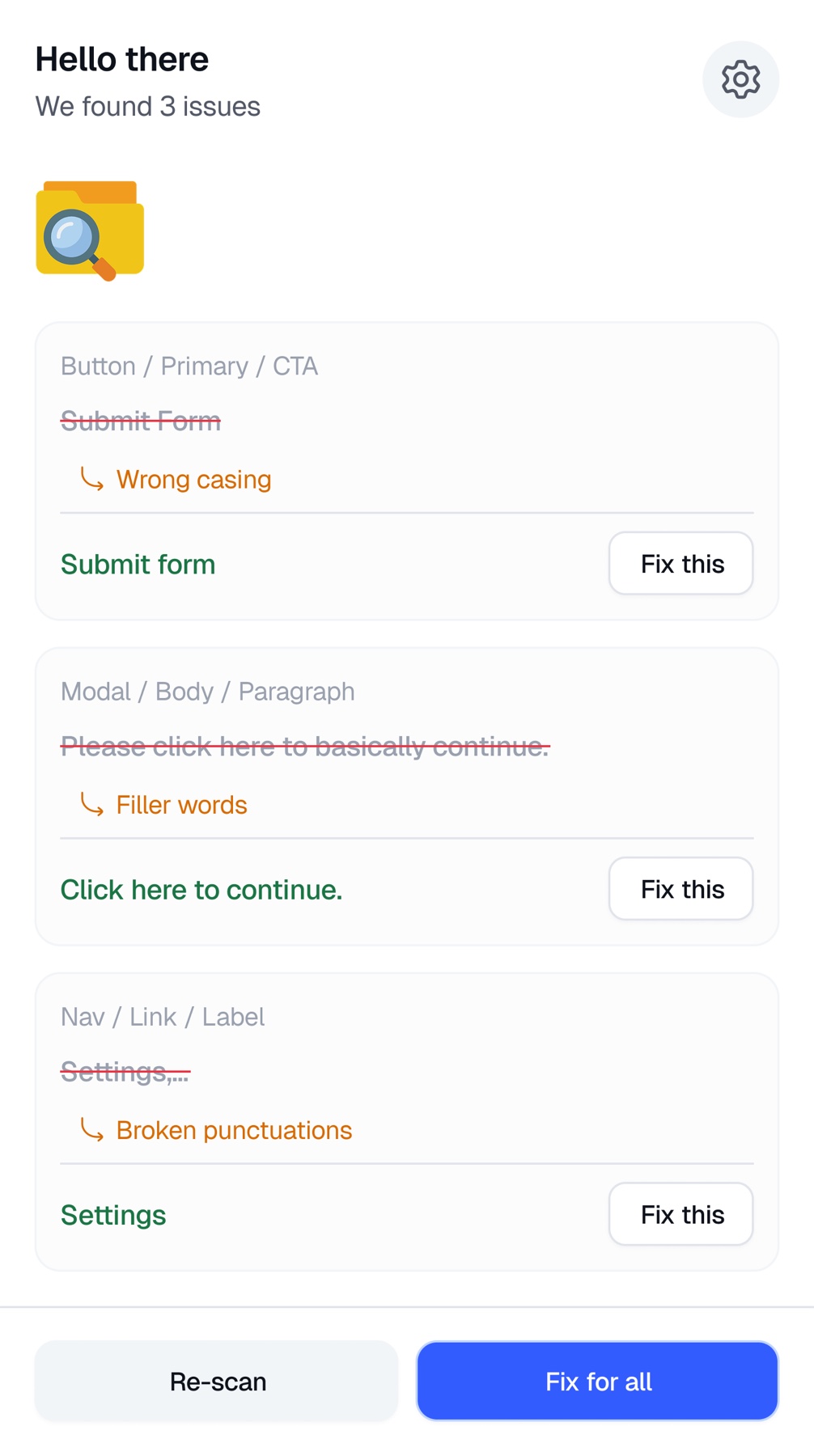
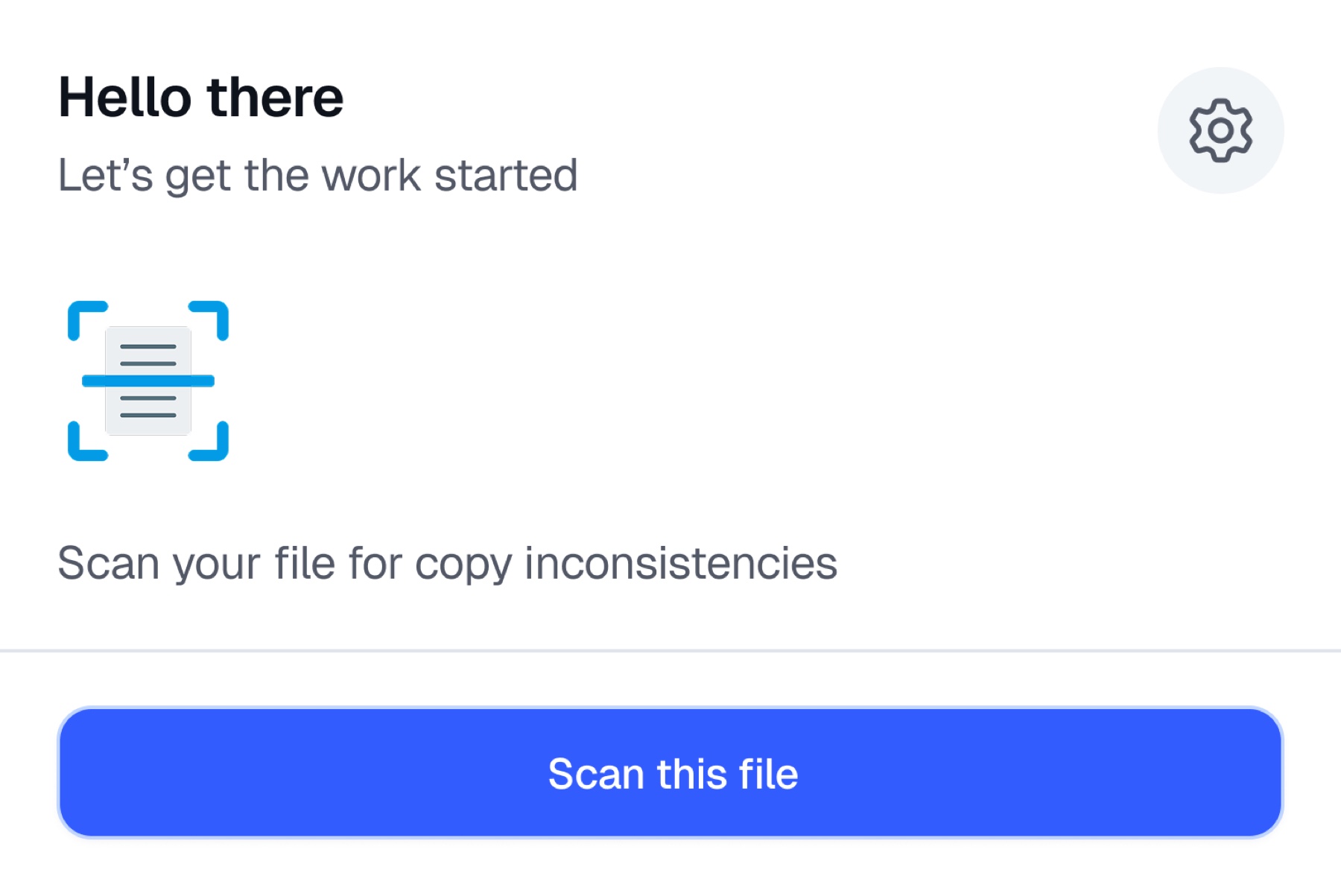
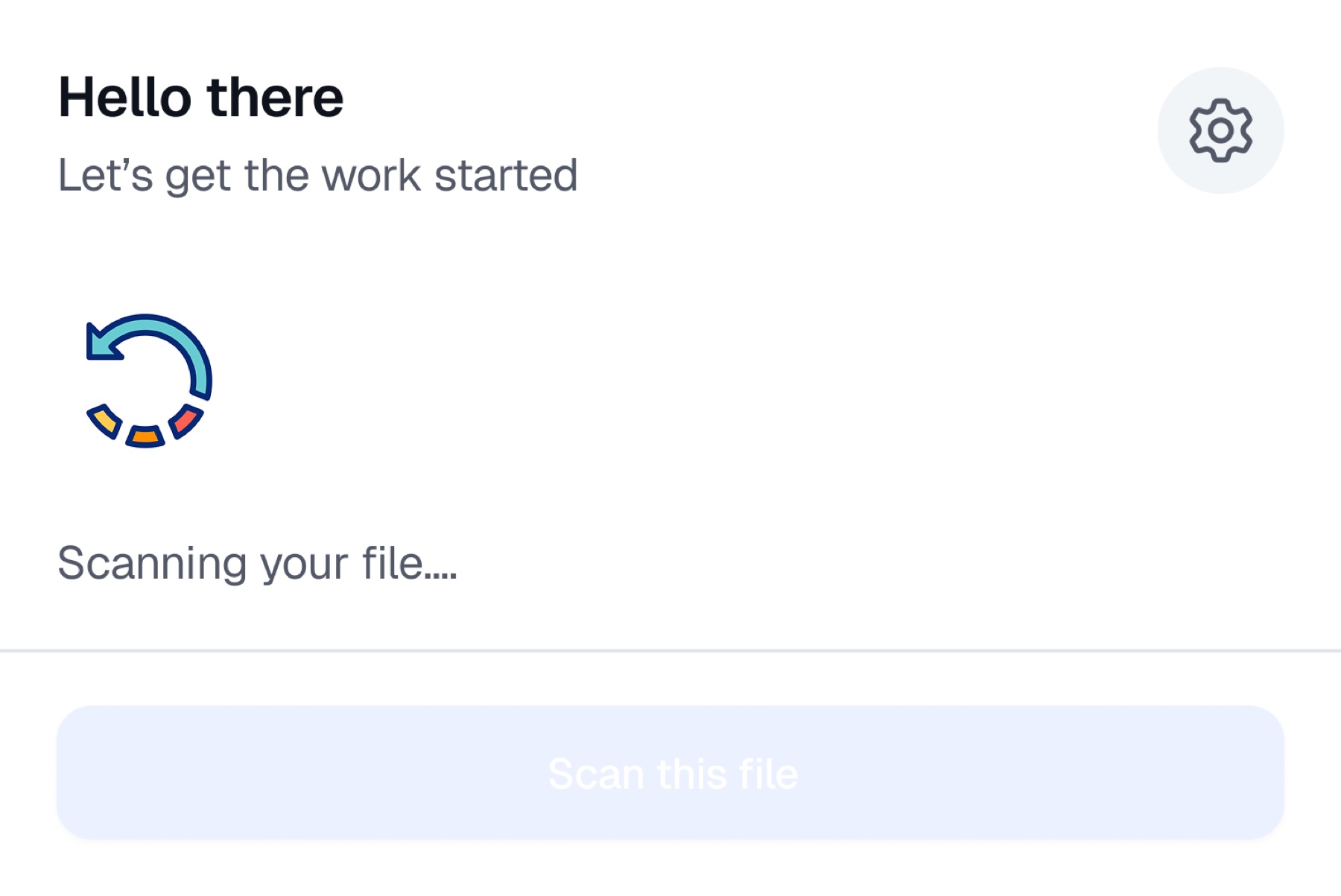
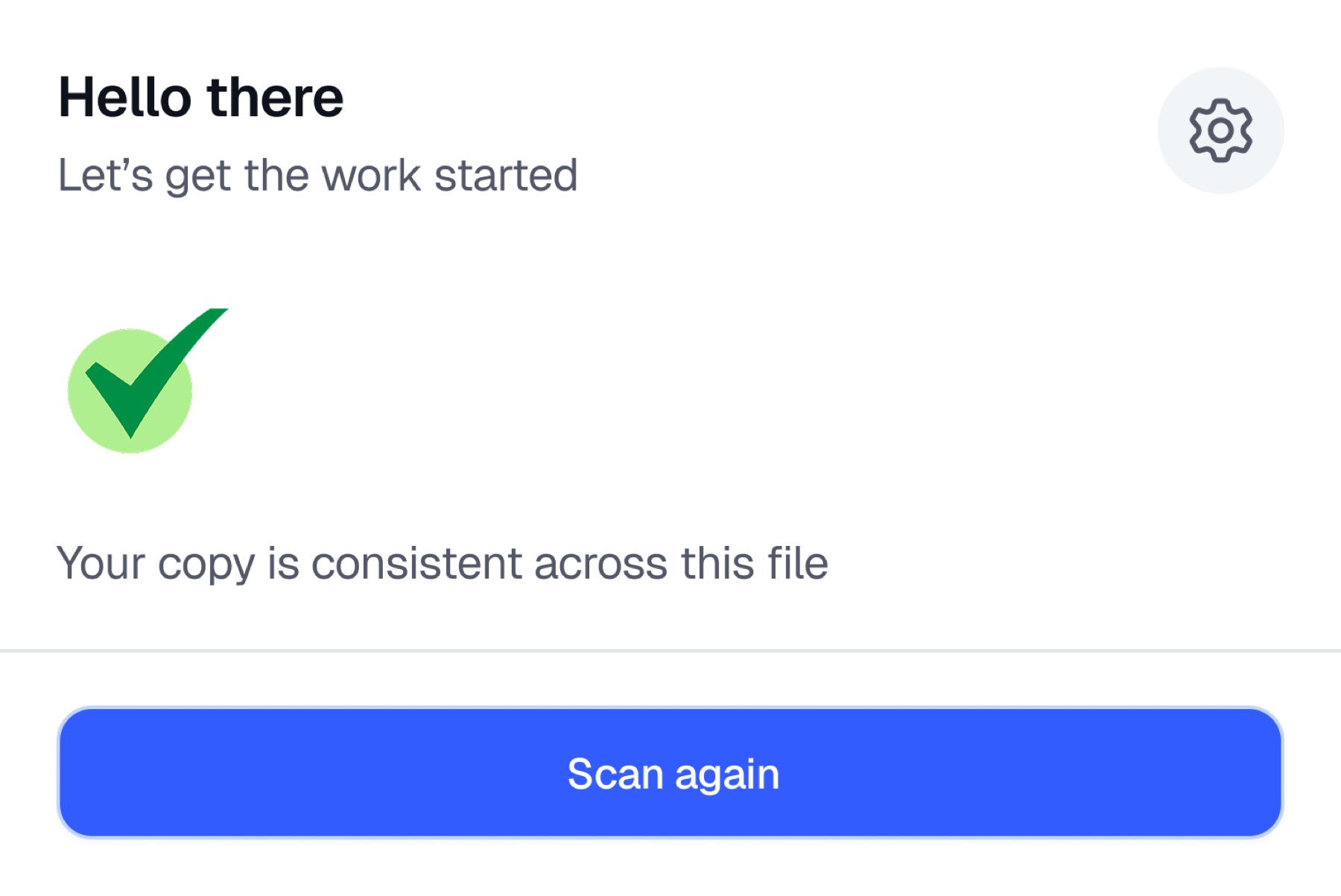
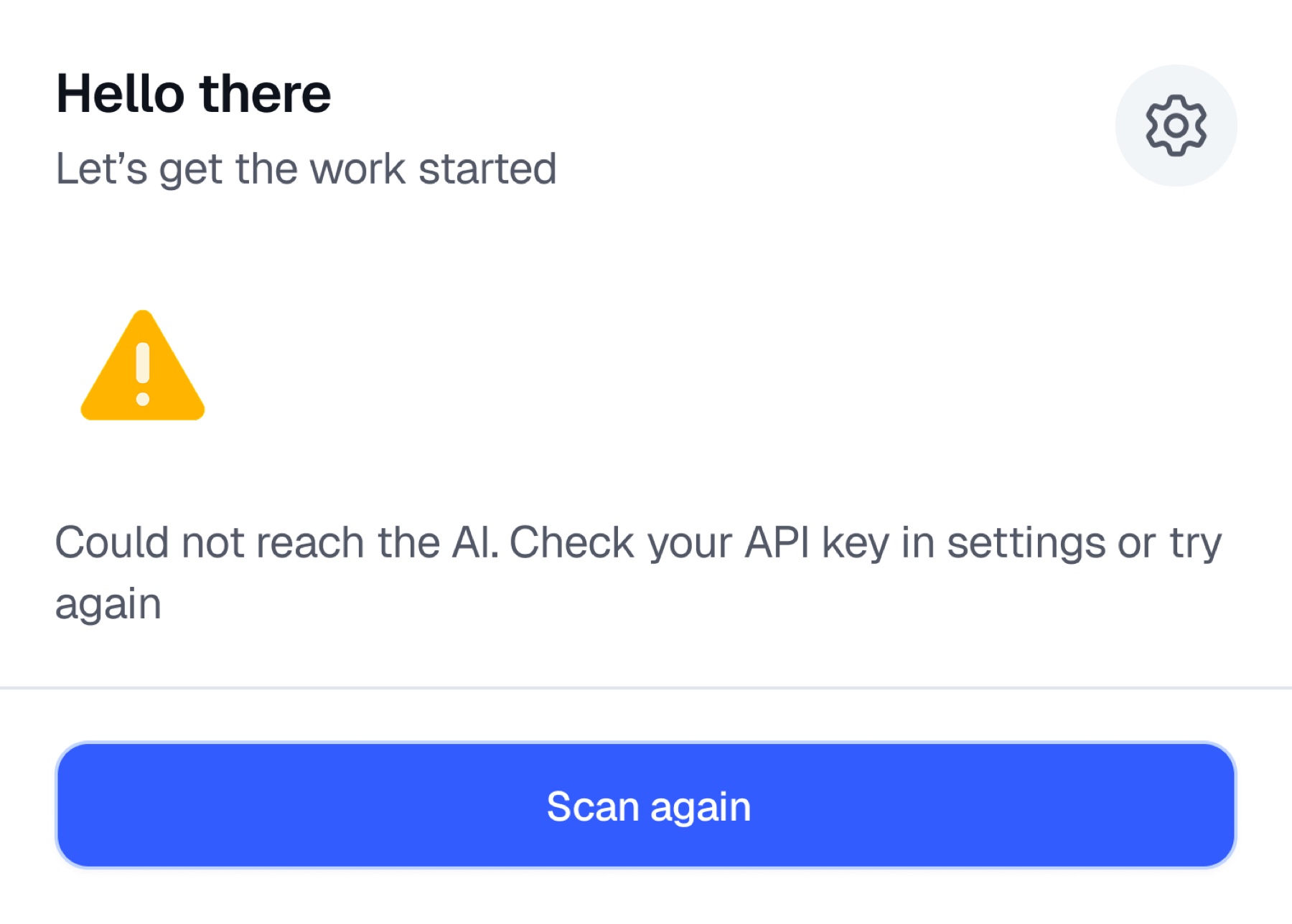
Each state answers one question clearly: is the tool ready, is the scan running, what did it find, and what should the designer do next?
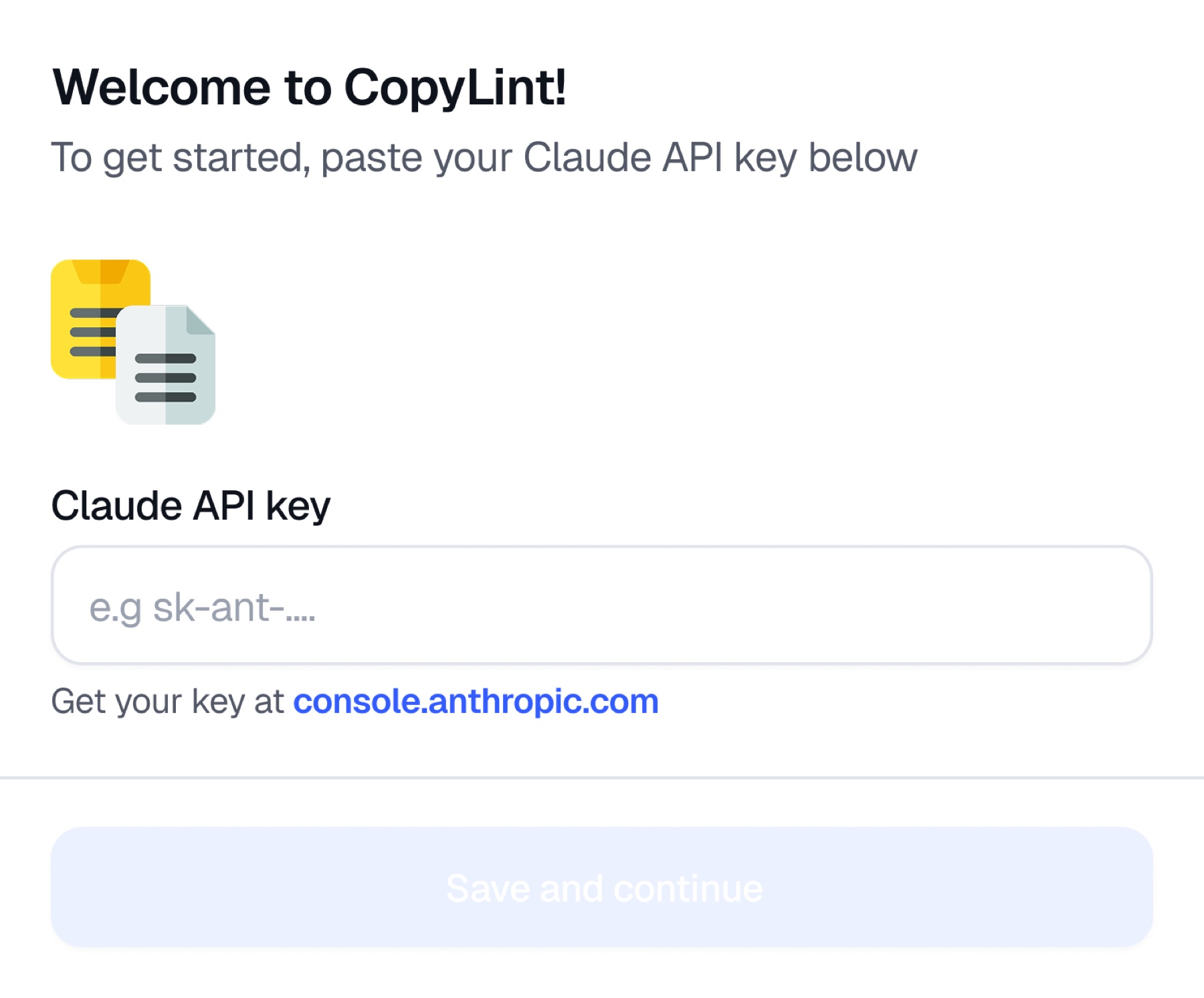
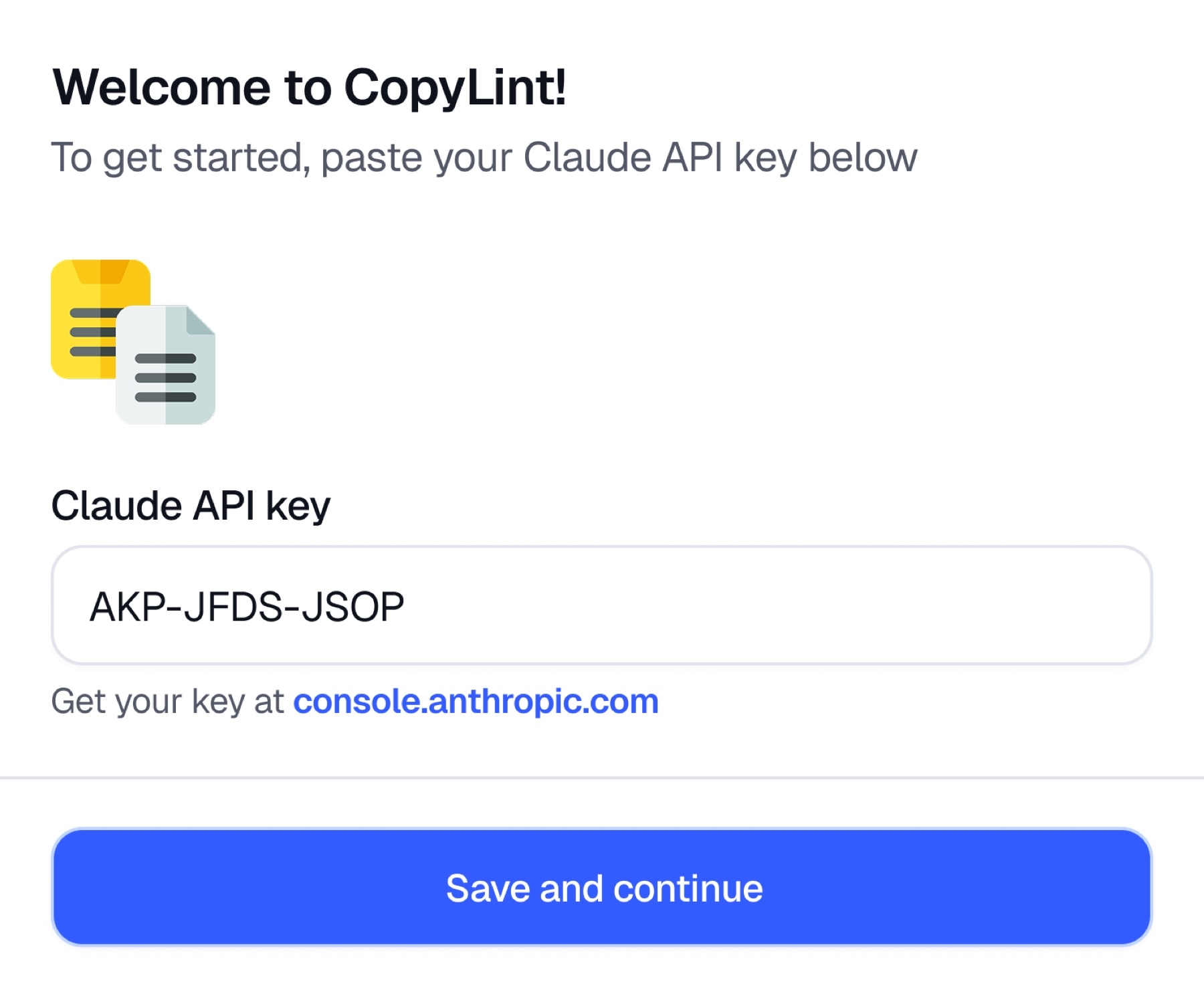
Early onboarding
An early API-key setup iteration made the tool usable without a separate account flow.
Scan and respond
Ready, progress, success, and failure states keep the designer oriented through a fast scan.
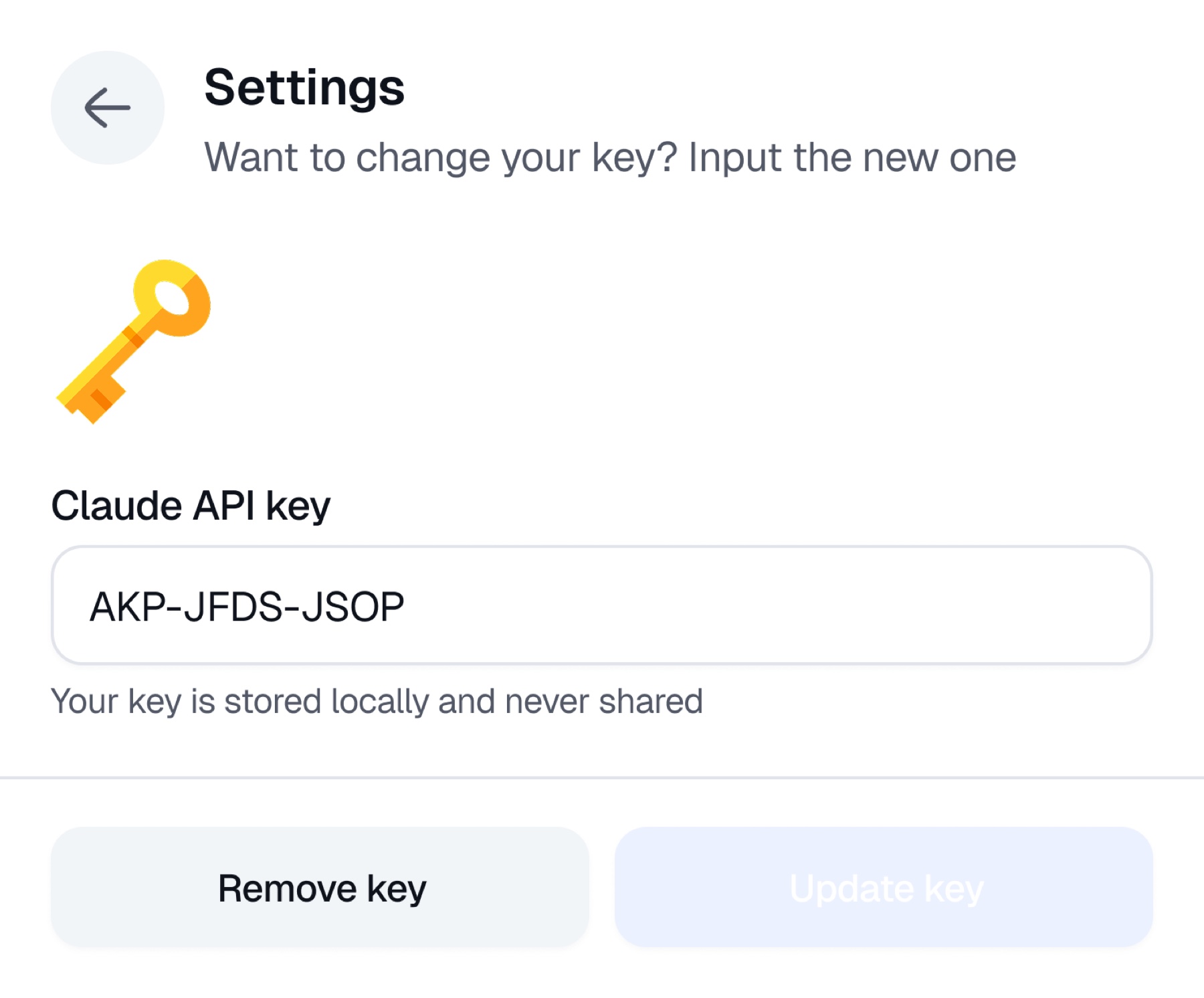
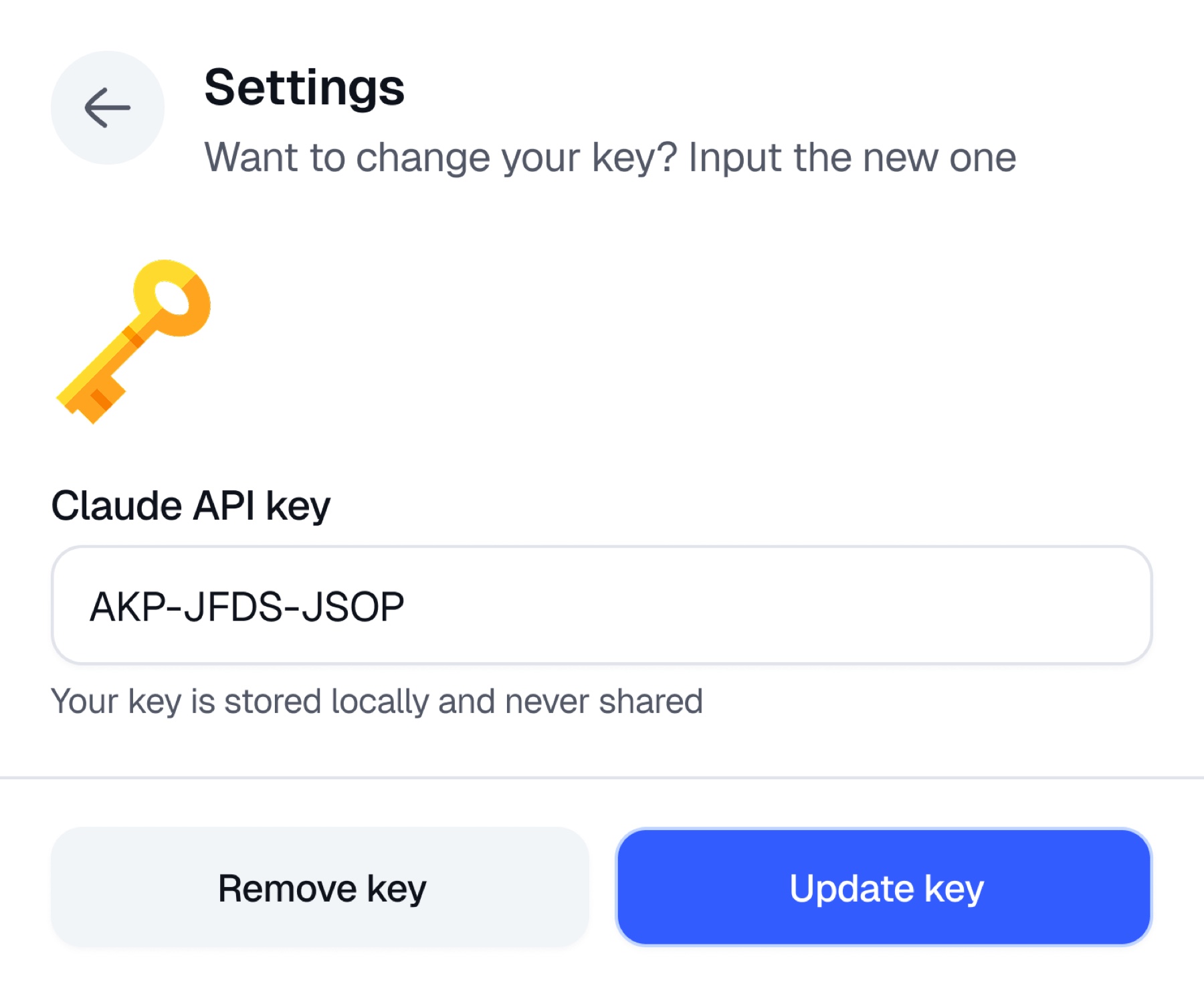
Keep control in settings
Key storage and update states make the integration understandable without interrupting the scan flow.
Key decision 01
Speed over depth.
A plugin that takes ten seconds to respond gets closed and never opened again. I used Preact and TypeScript on the @create-figma-plugin framework because Figma plugins run inside a sandboxed iframe with real performance limits, and every extra kilobyte becomes load time a designer feels immediately.
For the AI layer, I chose Groq running llama-3.1-8b-instant over a larger model. A bigger model might catch subtler tone issues, but not at the latency and cost profile needed by a free tool scanning dozens of text layers repeatedly. For a linting tool, fast and decent beats slow and excellent.
Built for the sandbox
A lightweight stack that respects Figma's plugin performance constraints.
Fast inference by design
A smaller model chosen deliberately for speed, not as an accidental compromise.
Key decision 02
Grouped feedback, not a flat list.
Fifteen flagged strings presented as fifteen separate complaints reads as noise. Grouping those strings by inconsistency, clarity, and tone turns them into patterns a designer can act on. Instead of three disconnected flags, the plugin can show that three different words are being used for the same action.
Key decision 03
Suggestion beside issue, never auto-applied.
The flagged text and suggested fix stay visible together so a designer can compare, rewrite, or dismiss with full context. The plugin never silently changes anything. That was a trust decision as much as a UX one: the designer stays in control of the actual decision.
The point
AI should support judgment here, not replace it.
CopyLint's point of view is that the fastest useful tool surfaces the problem clearly and gets out of the way. It does not try to be clever on the designer's behalf.
Reflection
Building beyond the happy path changed the bar.
CopyLint needed more than a successful scan screen. Setup, loading, empty results, API failures, key management, and issue-by-issue review all had to make sense without explanation. Designing those states made it feel like a complete tool rather than an AI demo.